


We were unable to locate the page you are trying to load, please try again.
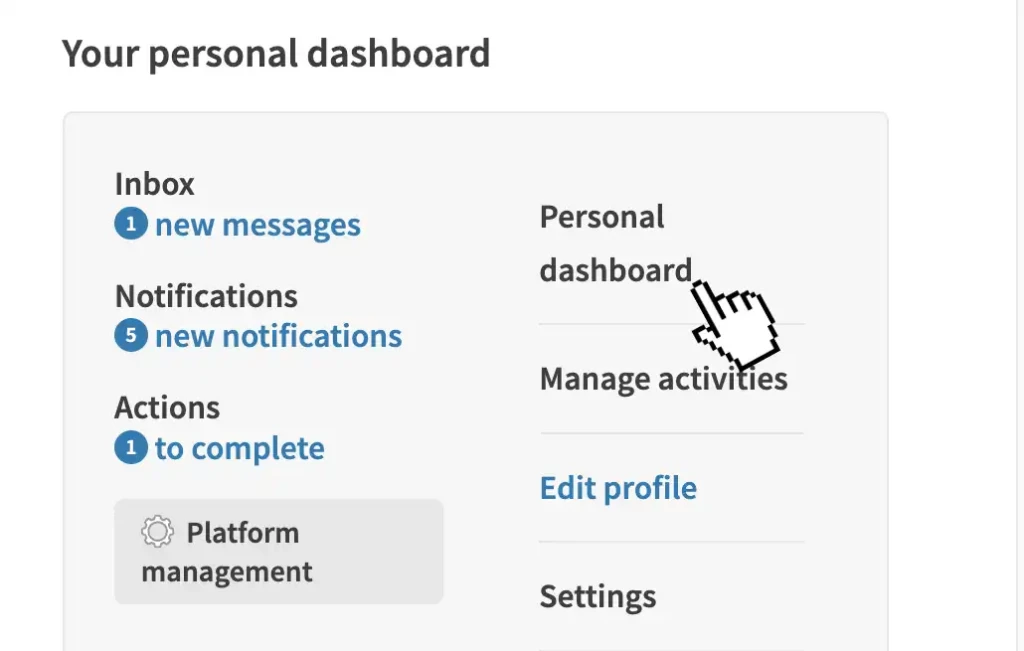
1. Visit your main menu
Use your main menu to see your notifications.
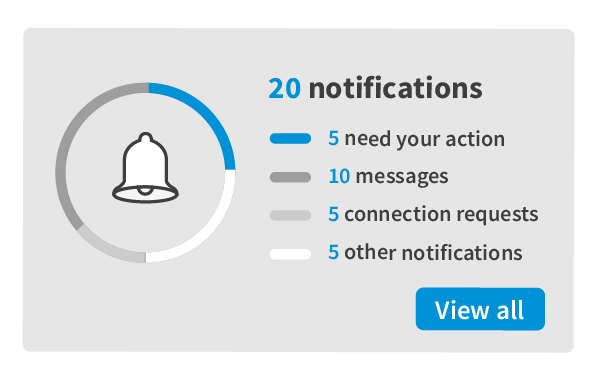
2. Read your notifications
Select a notification to complete an action.
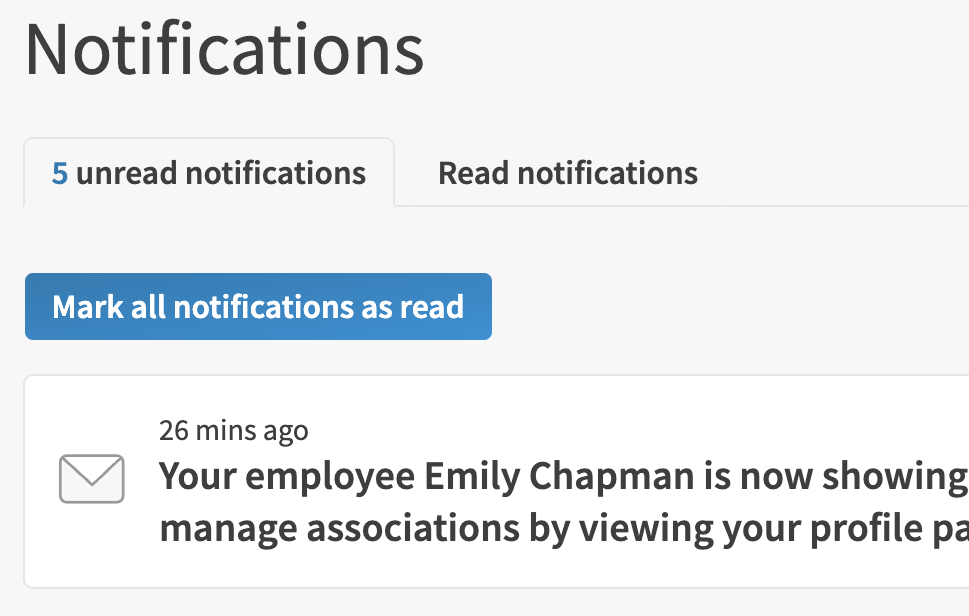
3. Mark as read
Use the bulk button to mark all as read, or mark them individually.
Get started:
Please note: processes and wordings may differ slightly on your platform.
- Use the link to 'sign-in'.
- Use the main menu to quickly access your notifications. You will see a number over the main menu if you have notifications.
- Select a notification to go to the relevant page. Note: the notification may not have a link, it might just be information.
- To clear a notification, use the arrow by the eye and 'mark as read' or 'delete'.
- Use the 'mark all notifications as read' to clear your notification counter.